Try everything, free, for as long as you like.
Jyotish Notes for Android 1.5 and iOS 1.5 (coming soon) · Updated October 6, 2026
Every tab and every feature is open, with two built-in sample charts. A subscription is needed for one thing: saving your own charts. When you subscribe, the first month is free.
No sign-up, no card, and no clock running. Open the app and explore it at your own pace: Transit, Quick Chart, Pañcāṅga, the daśā timelines, the divisional charts, Convergence, notes and Google Drive sync all work from the first launch.
Two sample charts, on every tab
The app comes with two sample charts. Load one from Saved Charts and every chart tab opens on it: the Lagna mandala with transits and daśā highlights, the daśā timelines, the sixteen divisional charts, Convergence, and notes against its dates.
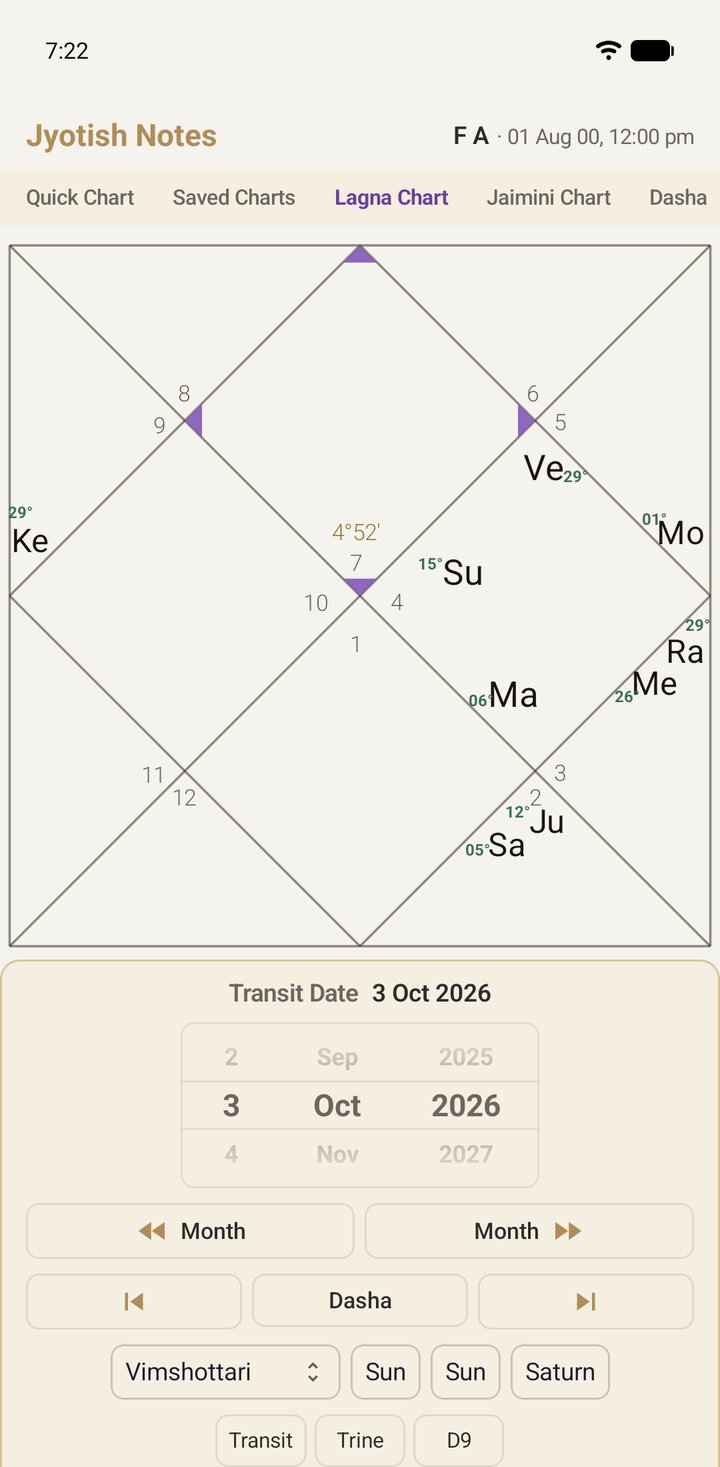
Deleted them while tidying up? Settings → Restore sample charts brings the same two back.
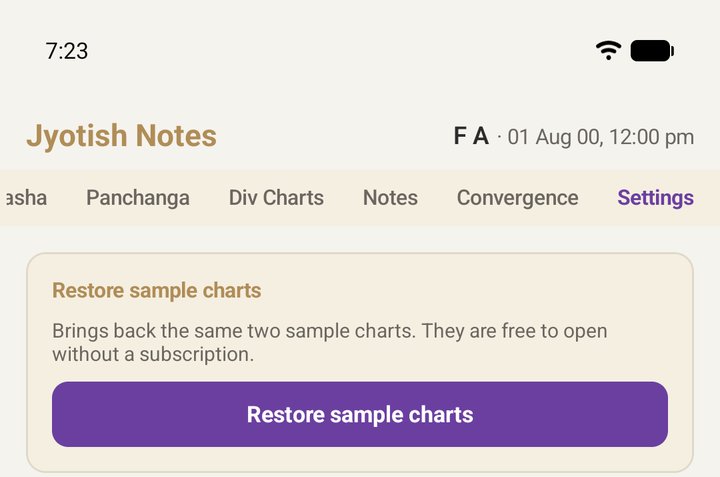
The one thing that needs a subscription
Quick Chart casts any chart you like, free. Saving it to your library, or editing a chart you have saved, is what the subscription is for. Tap Save without one and the app asks rather than refuses; the chart you cast stays on screen while you decide.
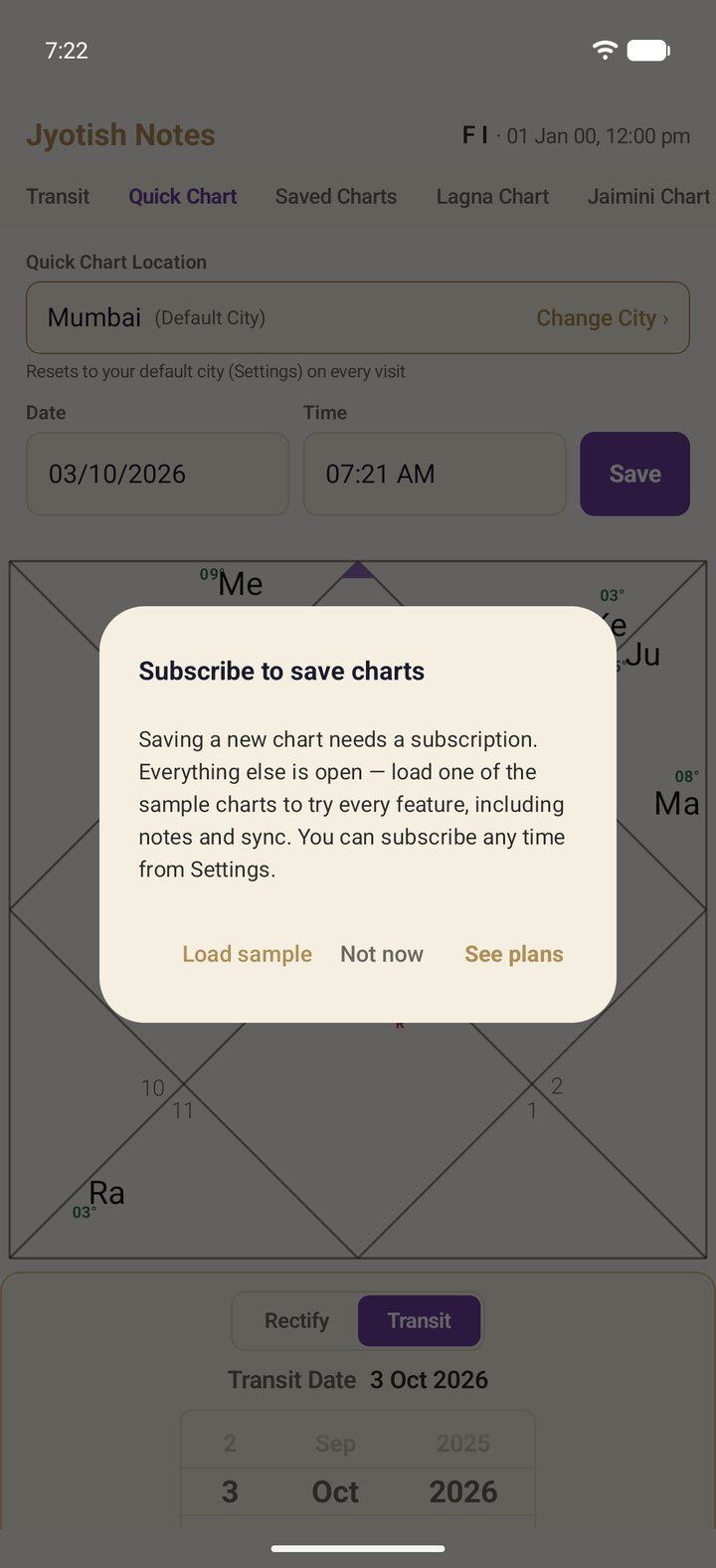
- Load sample opens a sample chart, so you can keep exploring.
- Not now closes the prompt. Nothing is lost and nothing changes.
- See plans shows the subscription.
When you subscribe
Monthly or yearly, through Google Play. The first month is free: nothing is charged until it ends, and you can cancel any time before then in Google Play → Subscriptions. After that the plan renews at the price shown until you cancel.
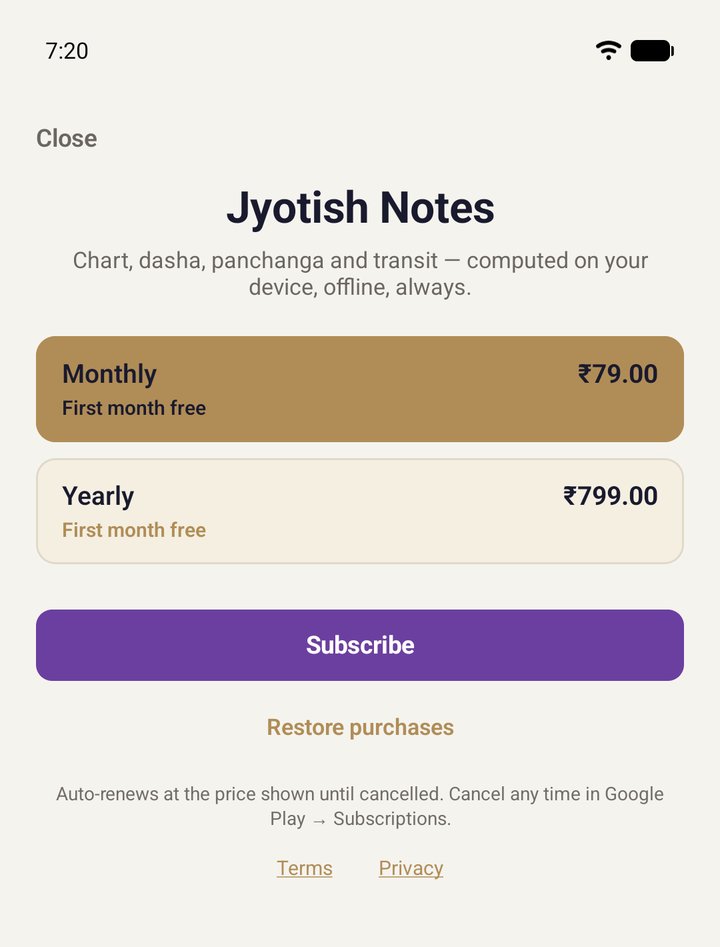
The price is shown in your own currency by Google Play. Your subscription belongs to your Google account, so your other Android devices signed in with that account get it at no extra cost.
On iPhone and iPad
iOS 1.5 (coming soon) opens up the same way: every tab, with the same two sample charts, Famous Influencer and Famous Actor, free to open. On iPhone and iPad a subscription covers a little more than on Android: saving and opening your own charts, and iCloud sync.
- Tap Save without a subscription and the app asks rather than refuses: See plans, Load sample, or Not now.
- Deleted the samples? Settings → Restore sample charts brings the same two back.
- Your subscription belongs to your Apple Account. On your iPad, Restore Purchases in Settings picks it up at no extra cost.
- If a subscription ends, nothing is deleted. Sync pauses, and picks up again when you subscribe.
The free month is Google Play's offer for a first subscription; Google Play decides whether an account is eligible and shows it on the plans screen. On iPhone and iPad, the first month is the App Store's offer for a first subscription; the plans screen shows it when your Apple Account is eligible.