Yoginī daśā, your way.
Jyotish Notes for Android 1.5 and iOS 1.5 (coming soon) · Yoginī daśā · Updated October 6, 2026
Choose the Yoginī–graha table you follow: the classical one, or the name-based alternative. Not one date moves.
Yoginī daśā runs through eight Yoginīs, from Maṅgalā to Saṅkaṭā, over a 36-year cycle. Each Yoginī has a graha standing behind her, and that graha is how the period is read.
Not every astrologer pairs them the same way. Until now the app offered one table. In 1.5 you choose between two, and the whole app reads the one you choose.
The two tables the app offers
| Yoginī | Years | Classical | Name-based alternative |
|---|---|---|---|
| Maṅgalā | 1 | Moon | Mars |
| Piṅgalā | 2 | Sun | Venus |
| Dhanyā | 3 | Jupiter | Mercury |
| Bhrāmarī | 4 | Mars | Moon |
| Bhadrikā | 5 | Mercury | Sun |
| Ulkā | 6 | Saturn | Saturn |
| Siddhā | 7 | Venus | Jupiter |
| Saṅkaṭā | 8 | Rahu | Rahu |
| Cycle | 36 |
The classical table is the one the app has always used, and stays the default. The name-based alternative is the second scheme on offer.
Where to find it
Settings → Yogini mapping → View Yogini-Graha mappings. The sheet opens on the table in use.
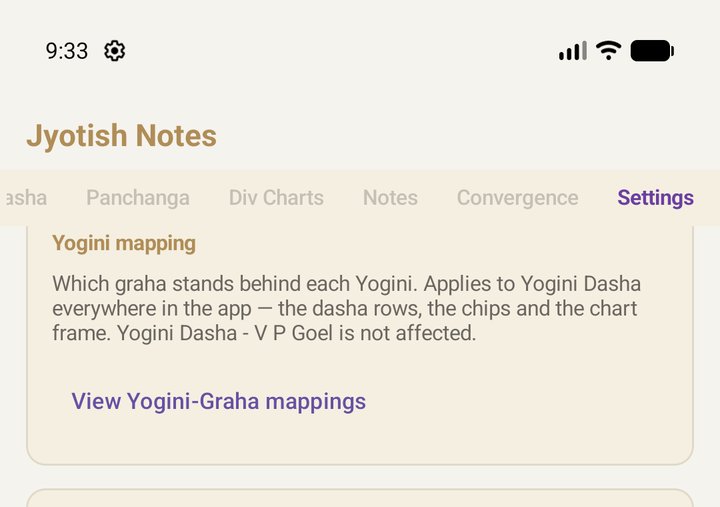
Choosing a scheme
- Pick a scheme from the list at the top of the sheet: Scheme 1 · Classical (default) or Scheme 2 · Alternative. The table below shows it at once, with each Yoginī whose graha would change from your saved table marked changed.
- Picking only previews. Nothing changes in the app until you tap Save. Close leaves your table as it was.
- To go back to the classical table, choose Scheme 1 and save.
What changes, and what doesn't
Only the names beside the Yoginīs change. The periods, their lengths and their dates come from the Yoginīs and their years, so a new table moves no date at all. What follows your table is everything that names the graha: the daśā rows, the chips, the chart frame and the legends.
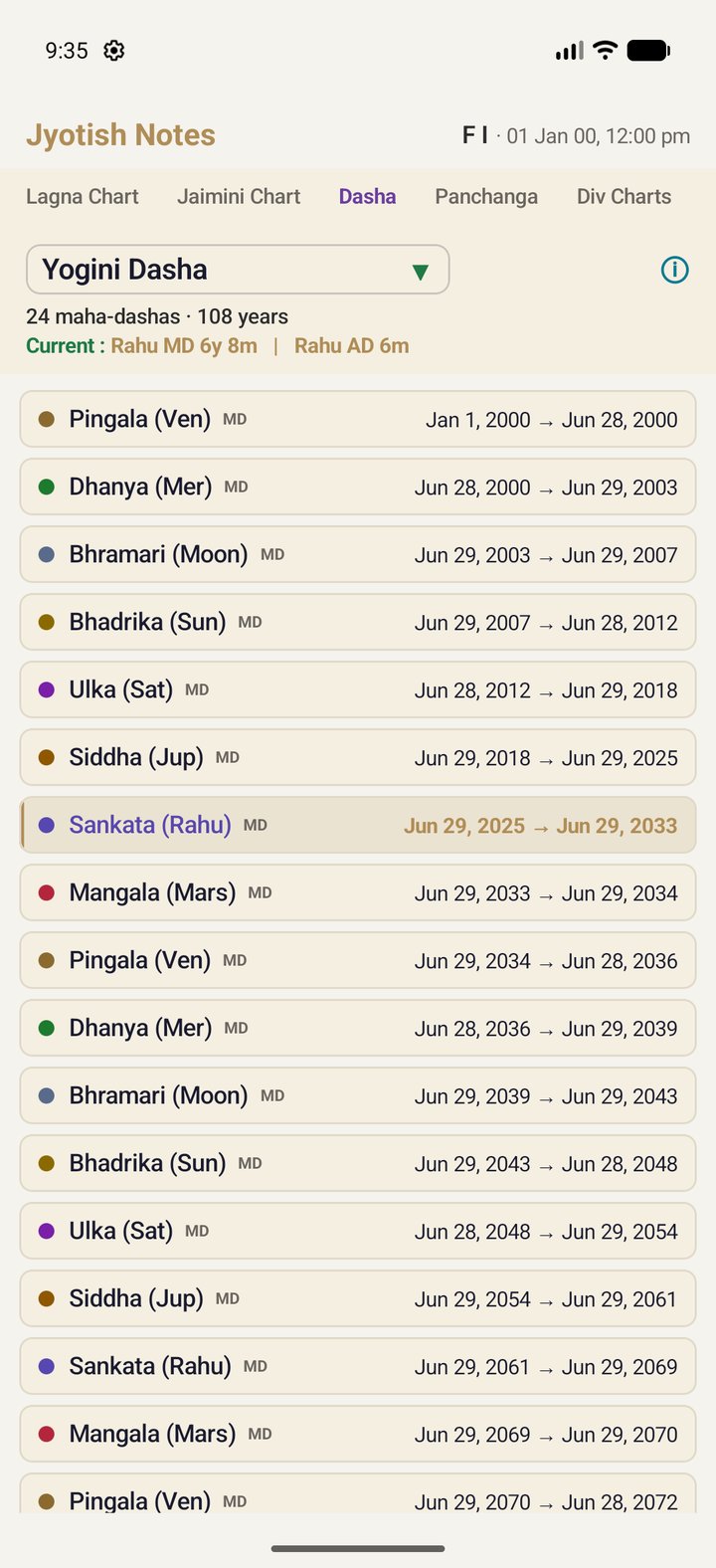
Yoginī – V P Goel is not affected. It keeps the classical lords, as published.
Your table follows you. With sync on, it reaches your other devices as one of your preferences: Google Drive sync on Android, iCloud sync on iPhone and iPad.
On iPhone and iPad (iOS 1.5, coming soon) it works the same way, in the same place in Settings, with the same two schemes. The screenshots here are from Android.